Your useful articles, service pages, case studies, and location pages should help customers find the next relevant answer or action. This free planner helps you choose a high-value destination page, identify appropriate pages that can link to it, and write a short list of internal links worth adding first.
Start the Interactive Planner Below ↓ or:
Fillable PDF


A visitor reading an early-stage article may not be ready to request a quote. But the article can still point naturally to a service explanation, comparison, case study, or other page that answers the next question. Likewise, a high-value service page may benefit from links to relevant proof and detail.
Internal links help people move through those relationships. They also help search engines discover pages and understand their context. Google recommends descriptive, relevant anchor text and contextual links to important pages. The objective here is to make the next step useful to the visitor while giving your commercially valuable pages appropriate support.
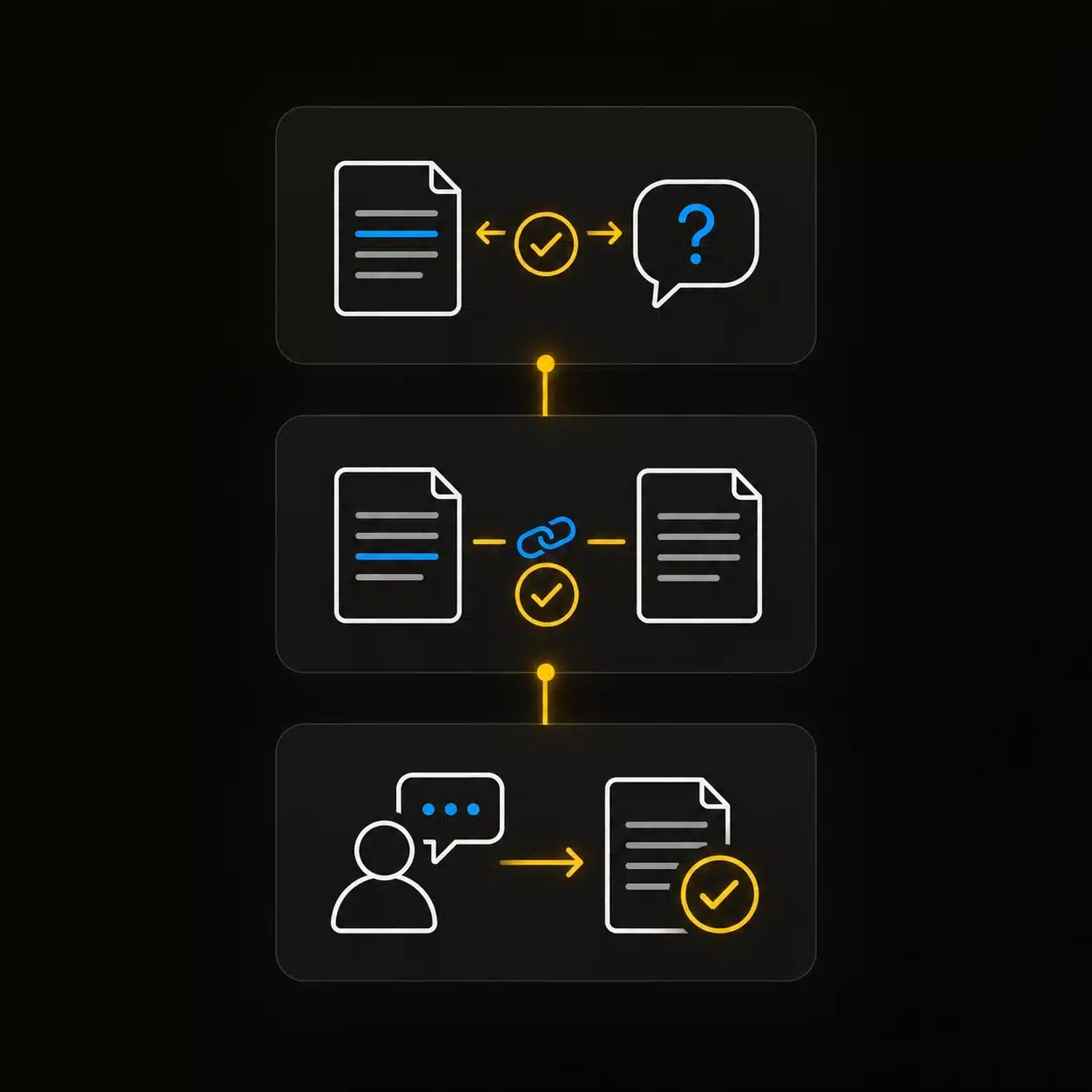
The Internal Linking Map
Every suggested link should connect a source page, a helpful destination, and a reason someone would follow it. The destination is not always a sales page: sometimes the right next step is evidence or an explanation that helps the visitor make a decision.
Educational article
Understand the service that solves the problem
Service page
Check evidence before contacting the business
Case or project page
See how to get a similar result
An internal link works when the destination answers the question raised by the source page.
Interactive resource · Chapter 8
Choose one destination page with clear business value. Then record the pages that could send relevant visitors to it. Start with links that can be added soon and that make the customer’s next step easier.
Choose a page that can support a valuable customer action. You can create another map for a different destination later.
Include a page only if its reader would have a useful reason to visit the destination.
Prioritize a relevant path to a valuable destination, then favor links you can complete soon. Your selections organize the list; they do not predict ranking gains or ROI.
Add a destination page and at least one source page to see your action list.
Your entries stay in this browser unless you download or print them. This planner does not crawl your site or verify that links have been published.
Example: An article about recurring roof leaks could link to a commercial roof repair page with the wording “commercial roof repair options” when that service answers the reader’s next question.
PUT YOUR MAP TO WORK
An internal linking plan can grow quickly. Begin with the source pages that already discuss the destination’s topic and with destination pages capable of generating valuable inquiries or sales. Favor improvements you can publish soon and check in the actual page context.
Decide what each asset needs to accomplish before linking it to the next useful page.
Determine what searchers are actually trying to accomplish and whether your page satisfies that intent.
Compare this link work with other improvements by business value and practical execution time.
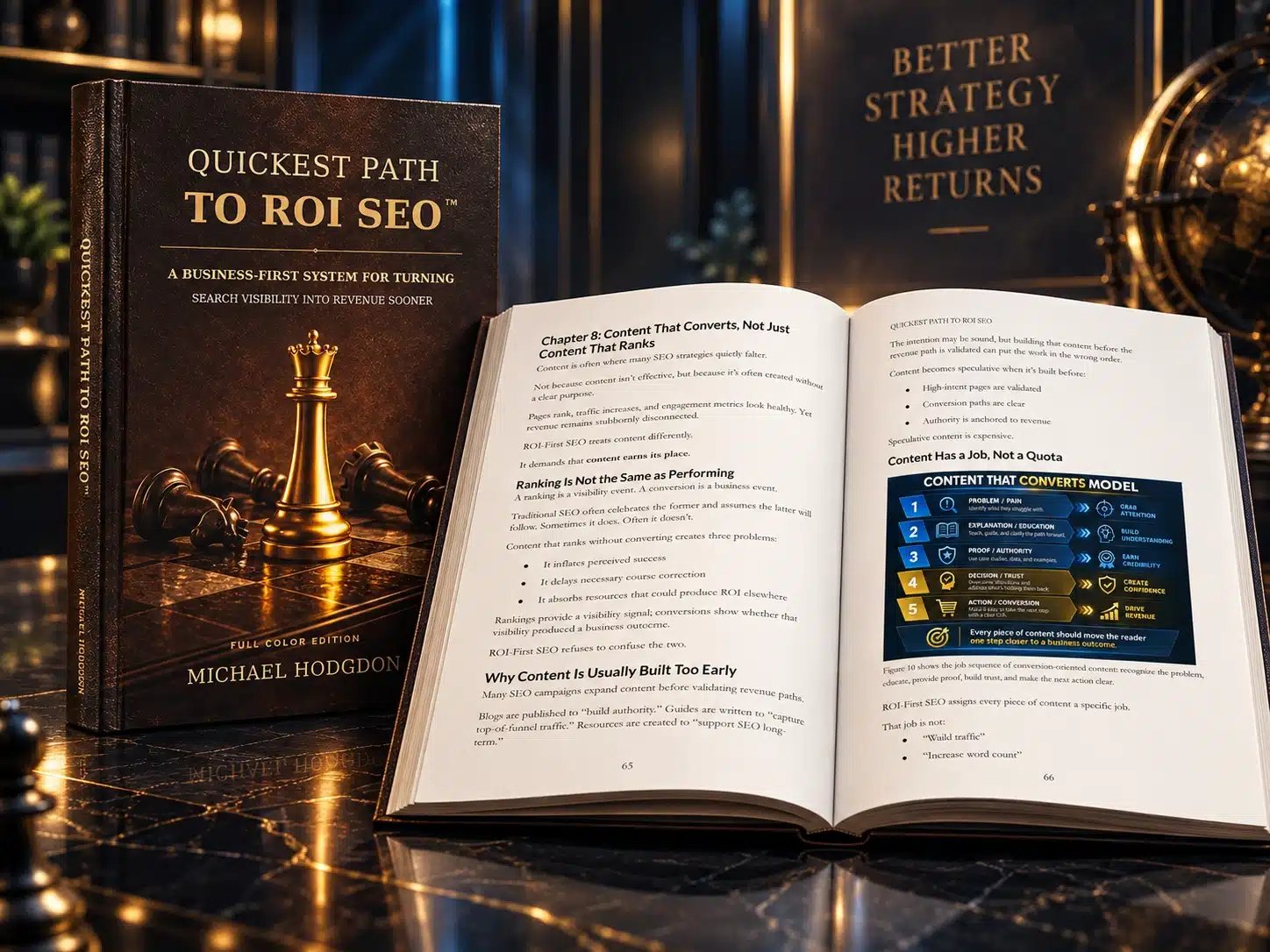
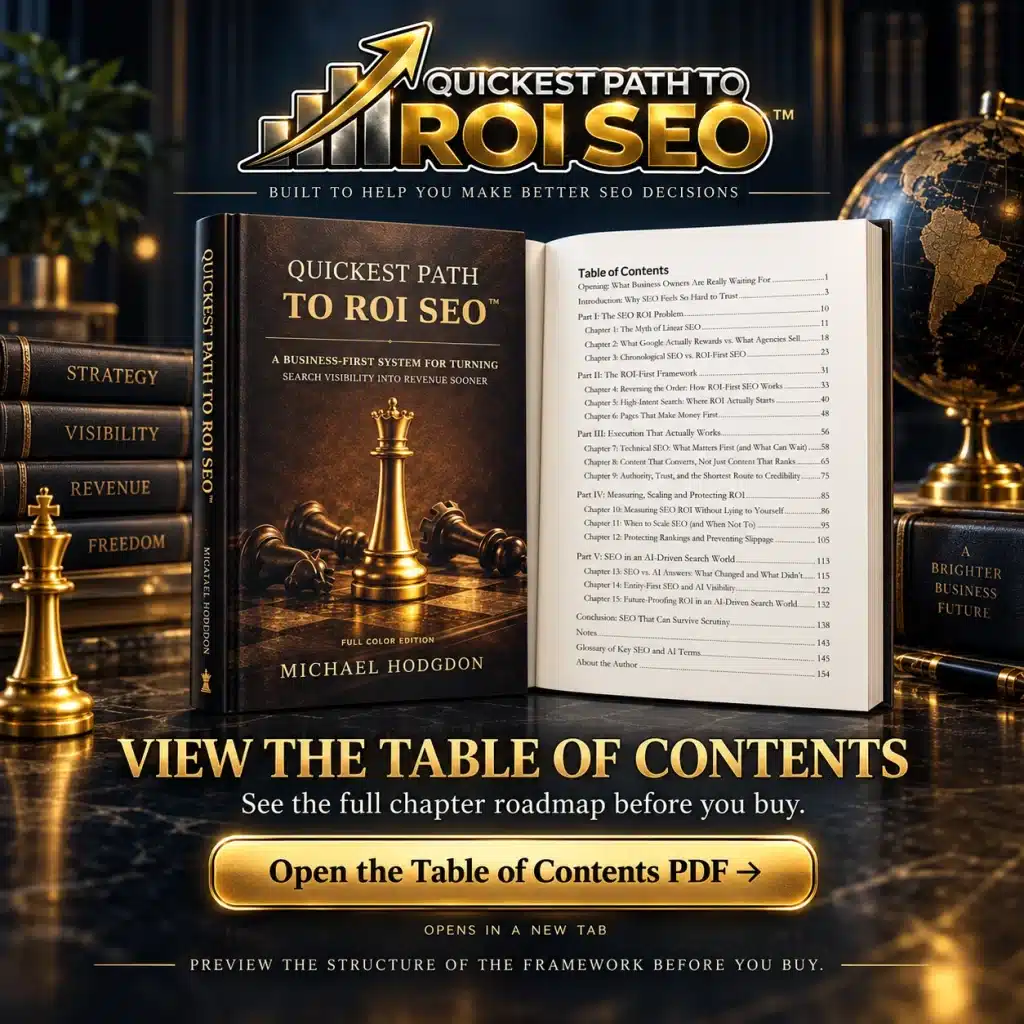
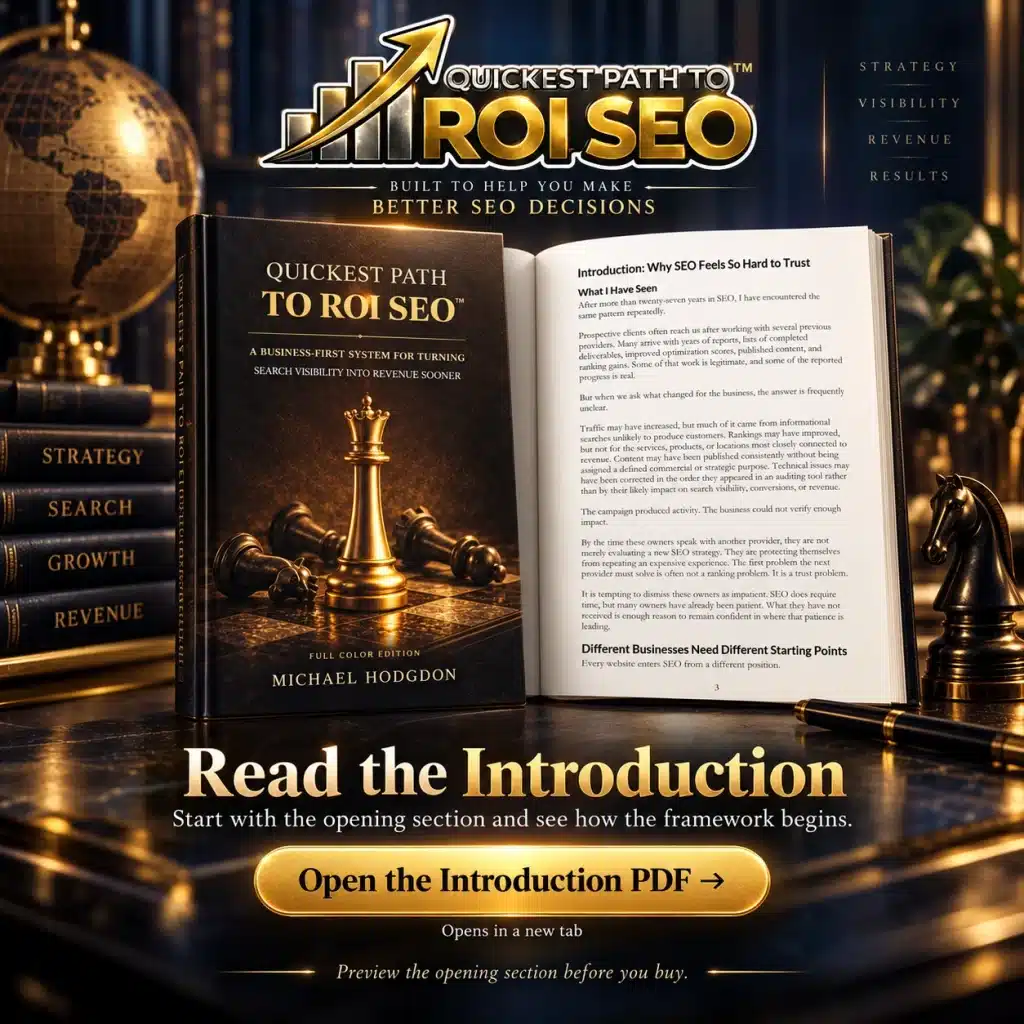
Choose from 4 editions that fit how you prefer to read, reference, and work with the material. Quickest Path to ROI SEO™ is available in multiple formats, including full-color and black-and-white print editions, hardcover, paperback, and Kindle. The full-color editions provide the strongest visual experience for the book’s charts, models, and framework graphics, while the black-and-white paperback offers a more affordable print option. Kindle provides convenient digital access, and the hardcover is ideal for readers who want a premium reference copy.
Internal linking is the practice of connecting one page on a website to another relevant page on the same site using clickable links.
Internal links help visitors discover useful next steps while also helping search engines understand how pages relate to one another and which pages are important within the site.
The Quickest Path to ROI SEO™ approach goes beyond adding links for SEO alone. Each link should connect a useful source page to a relevant destination for a clear reason—ideally helping the visitor move closer to an answer, decision, or business action.
Internal links can support SEO by helping search engines discover pages, understand their context, establish relationships between topics, and distribute authority throughout a website.
A strategically linked page is easier for both people and search engines to find than one that sits isolated within the site.
The goal is not to place as many links as possible. A strong internal linking strategy identifies which pages matter, which related pages can support them, and where a link genuinely improves the customer journey.
Internal-link anchor text should clearly describe what the visitor can expect to find on the destination page.
Descriptive phrases such as “local SEO visibility checklist” or “SEO ROI calculator” usually provide more context than generic language such as “click here” or “learn more.”
Good anchor text should still read naturally. The Internal Linking Planner encourages links based on relevance and customer usefulness first, with descriptive wording that also helps search engines understand the relationship between the two pages.
An orphan page is a page that has no incoming internal links from other pages on the website.
An important orphan page can be difficult for visitors to discover and may receive less support from the rest of the site’s internal linking structure.
Not every orphan page needs to be linked. Some campaign, utility, or intentionally isolated pages may serve a different purpose. The important question is whether a page that deserves search visibility or customer attention has a logical place within the site’s broader information architecture.
Pages with strong business value, strategic importance, or an important role in the customer journey should generally receive meaningful internal links from relevant supporting pages.
That may include key service pages, product pages, location pages, conversion assets, important guides, cornerstone resources, or pages targeting valuable search opportunities.
The Quickest Path to ROI SEO™ framework adds a revenue-first filter: prioritize internal links that strengthen pages capable of influencing valuable searches and meaningful customer decisions rather than distributing links evenly across the site.
Internal linking can improve SEO ROI when it strengthens high-value pages and helps visitors move from useful information toward the next logical business action.
A visitor reading an educational article may need evidence before evaluating a service. Someone reviewing a case study may be ready to visit the corresponding service page. Another visitor may need a comparison, pricing explanation, or decision resource before converting.
The Internal Linking Planner maps those relationships as Source Page → Reason to Follow → Useful Destination, helping businesses build links around the customer’s next question instead of inserting links simply for SEO.
That turns internal linking from a technical housekeeping task into part of the site’s search visibility and revenue pathway.